The word Ori-Kin comes from words origami and kinetic implying the creation of kinetic origami patterns. It is an application that allows users to create origamic deployable, developable, and flat-foldable complex vaulted structures using basic parameters such as radius and number of segments.
There are three types of structures that can be created:
Pseudo-Dome
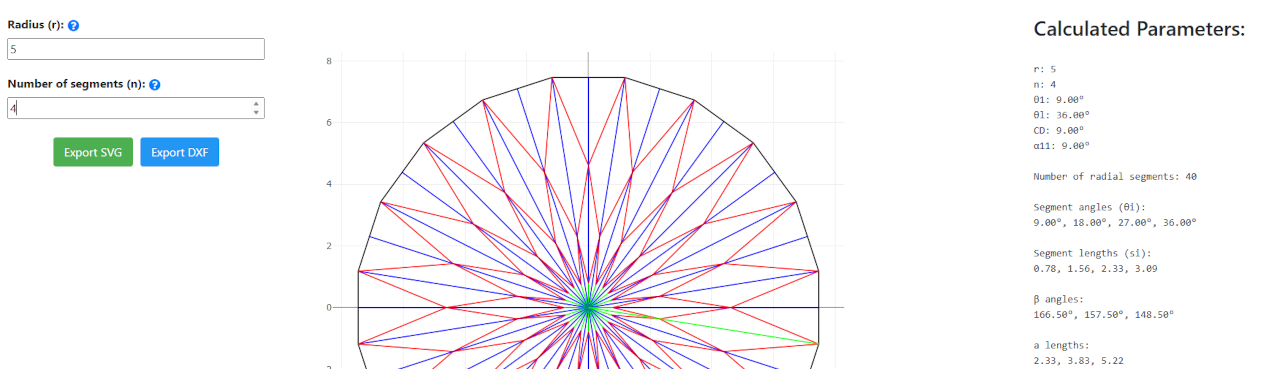
The pattern of the pseudo-dome is a radial pattern that can be created using the parameters: r(radius) and n (number of segments).
The pattern is created with already defined Mountain (red lines) and Valley (blue lines) folds to facilitate the folding process.
The pattern can be exported as .svg or .dxf file types. [more explanation about the parameters and how they influence the pattern can be found within the application info (?) pop-up.]
Single-centred Barrel Vault
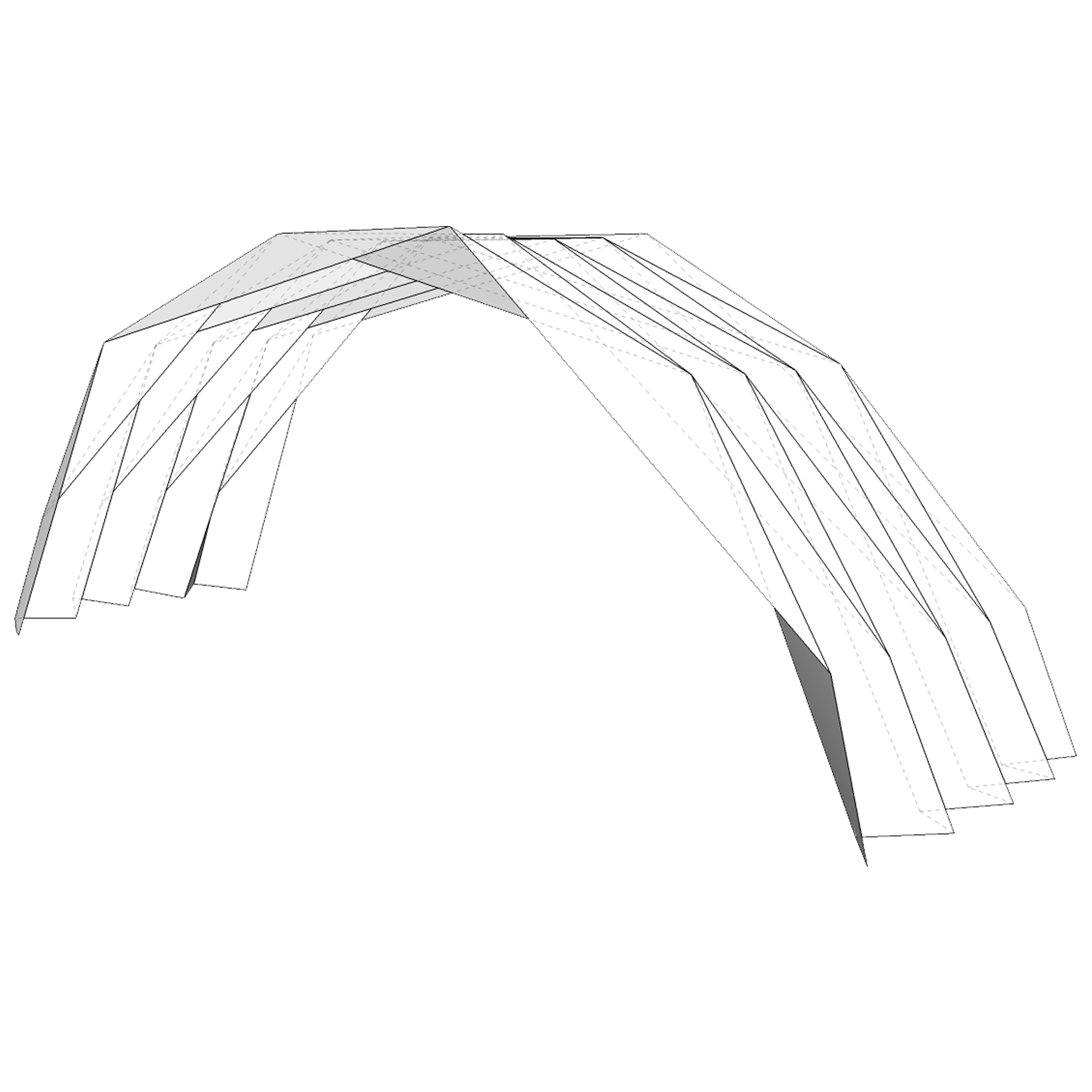
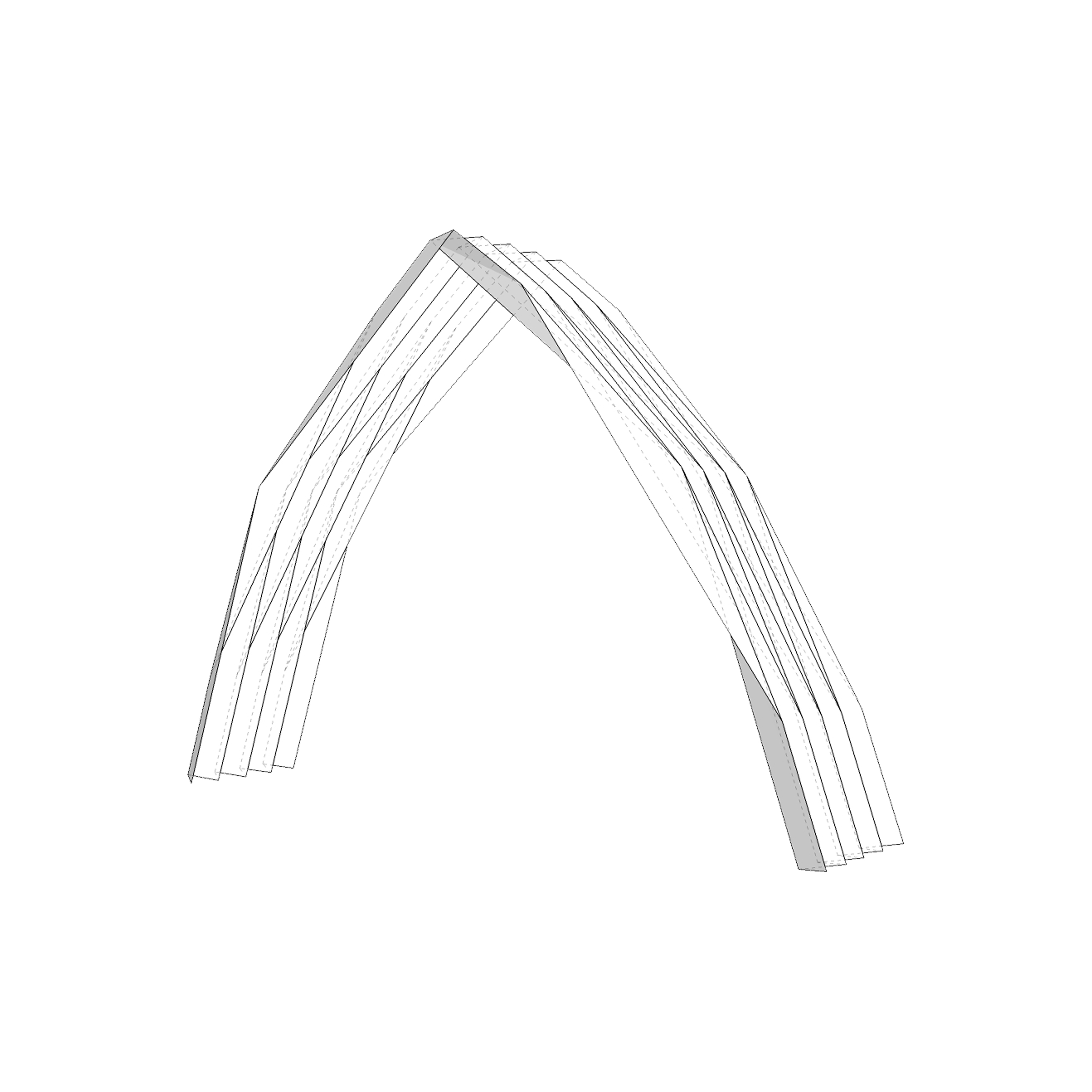
This pattern is a longitudinal pattern that can be created using the parameters: r (radius), n (number of segments) and m (number of tiles). Single centered barrel vaults can be created in two different types: semicircle and horseshoe. Thus, there is an additional parameter: Ω (center angle value) allowing to create one of them. The last parameter is hmax which defines whether the pattern will have triangular or trapezoidal polygons. The pattern can be elongated using the m (number of tiles) parameter.
The pattern is created with already defined Mountain (red lines) and Valley (blue lines) folds. As before, the pattern can be exported as .svg or .dxf file types. [more explanation about the parameters and how they influence the pattern can be found within the application info (?) pop-up.]
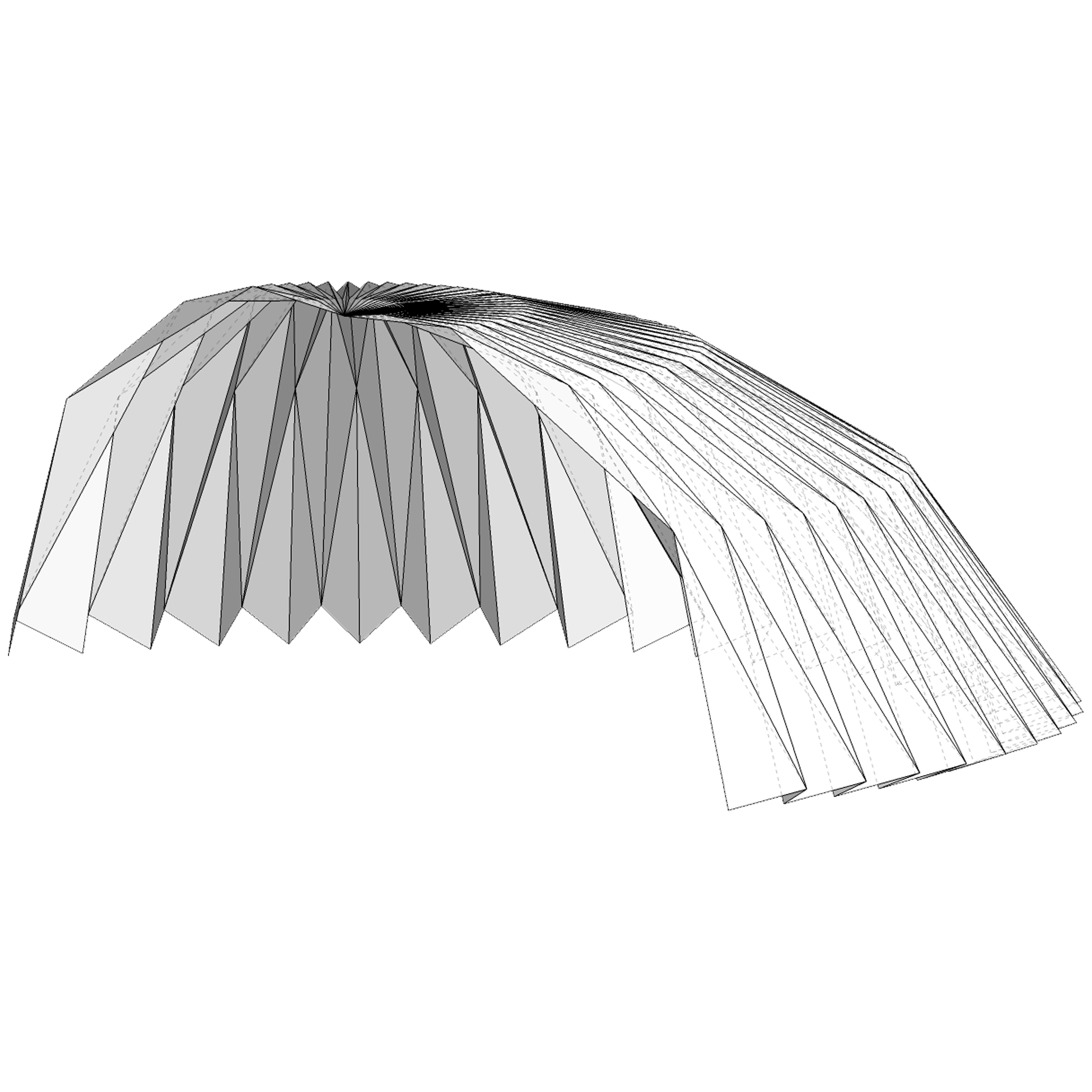
Folding process of a 3n Pseudo-Dome pattern in Origami Simulator.
FOLDING PROCESS
The patternscan be printed out and folded by hand following the folding colors:
Red lines: Mountain folds
Blue lines: Valley folds
Green lines: Cut lines
OR
Patterns can be exported as .svg file to be directly used in Origami Simulator (2017) by Amanda Ghassaei [Link:ORIGAMI SIMULATOR] allowing you to experiment with the folding process in a digital environment. A video captured from the Origami Simulator with a pattern created using the parameters r:5 and n:3.
Tip: when using the simulator keep the number for “Vertex merge tolerance (px) :” between 0.1 and 1 for pseudo-dome patterns.